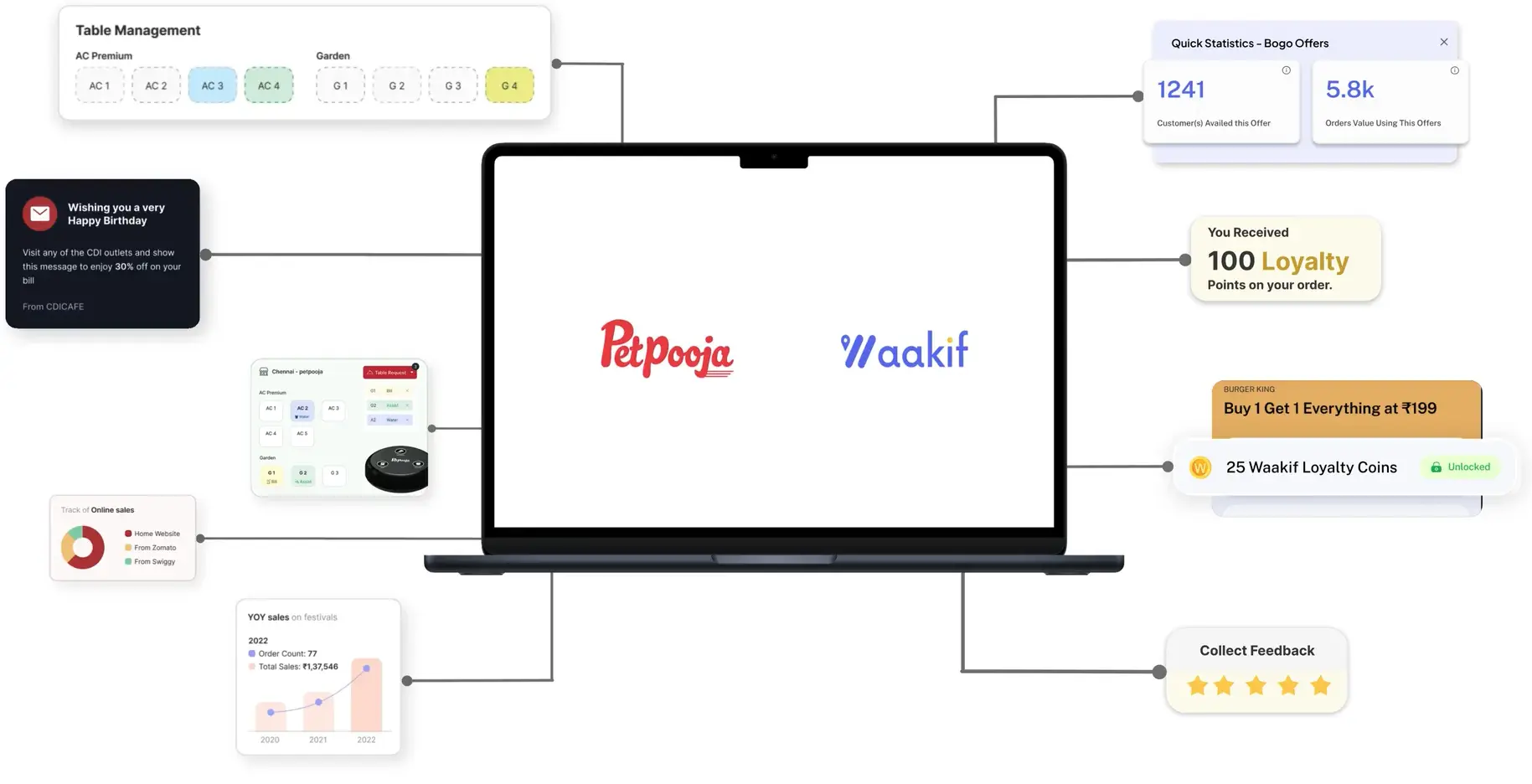
Petpooja runs your counter. Waakif connects to it and adds loyalty, AI WhatsApp marketing and your own ordering link — using the menu and customers you already have.
Petpooja is a good till. It is not a marketing platform, and it was never meant to be. Connecting the two means the person who just paid can be reached again.
What it does
Your Petpooja billing, plus everything that happens after the bill.
Petpooja runs the counter well. What it does not do is bring the customer back. Waakif sits alongside it — the same menu, the same orders — and adds loyalty, WhatsApp campaigns and your own ordering link on top.
Menu and items sync across from Petpooja
Keep billing exactly where it is — nothing to relearn
Counter, online store and aggregators in one view
Why bother
A bill is a transaction. A customer is a relationship.
Every Petpooja bill is somebody you could reach again. Without a loyalty layer that information just sits in the till.
Points earned at the counter, not just online
Win-back offers when a regular stops showing up
Birthday and festival messages that send themselves
Setup
Connected in minutes
Link the two accounts and your menu comes across. No developer, no downtime, no new hardware.
AI marketing
WhatsApp that runs itself
Campaigns written, targeted and sent by AI — to the customers most likely to order again.
AI menu
Know what actually sells
See your best and worst performers, and get pricing and bestseller suggestions from your own sales.
Connect it and see what your own data does.
Link your Petpooja account, sync the menu and switch on loyalty. Free forever plan, no commission on your sales.
Items sync across from Petpooja, then Waakif reads your own sales and tells you which dishes carry the outlet and which are dead weight — plus where each order came from, your store, Zomato or Swiggy.
Best and worst performers, outlet by outlet
Pricing and bestseller suggestions from your sales
Channel split across your own store and aggregators
Loyalty
Points at the counter, not just online.
Because loyalty runs off your Petpooja bills, a walk-in earns exactly like an online order does. Customers collect without installing anything, and the offer that brings them back sends itself.
Earn and redeem on every bill, online or at the till
Automatic win-back offers when a regular goes quiet
Birthday and festival messages on a schedule
A few reasons to integrate
What you get on top of billing.
Customer management
Every bill builds a customer record — what they order, how often, and when they last came in. The list is yours, not an aggregator's.
Loyalty points on every purchase
Customers earn points at the counter and online, then redeem them against discounts or free items. It is your program, with your rules.
AI WhatsApp marketing
Offers and reminders that go to the right people at the right time, written and sent without you opening a campaign builder.
Analytics and insights
Understand buying patterns across outlets — what sells, what does not, and which channel each order came through.
How to connect
Live infour steps.
Nothing changes at the counter. Scroll through to see what each step involves.
01A couple of minutes
Create your Waakif account
Sign up free and add your outlet details. No card, and nothing to install on the counter.
Outlet name, address and service type
Works for a single kitchen or a whole chain
Free forever plan — no commission on your sales
02The actual integration
Connect Petpooja
Link your Petpooja account and your menu comes across — categories, items, prices and all.
Menu, categories and pricing sync across
Billing carries on in Petpooja exactly as before
No new hardware and no downtime at the counter
03Where the value is
Switch on loyalty and campaigns
Decide how customers earn points, then let the AI handle who to message and when.
Set your own earn and redeem rates
Automatic win-back offers for lapsing regulars
Birthday and festival messages on a schedule
04From day one
Watch what it changes
Repeat orders, redemption rates and channel split, all in one dashboard.
No, and you should not. Petpooja carries on handling billing exactly as it does today. Waakif adds the loyalty, marketing and online-ordering layer on top of it.
02Will my menu have to be rebuilt?
No. Your categories, items and prices sync across from Petpooja, so there is nothing to re-enter by hand.
03How long does the integration take?
Minutes, not days. You connect the two accounts from your Waakif dashboard — there is no developer involved and no downtime at the counter.
04Do I need new hardware?
No. Your existing Petpooja setup stays exactly as it is.
05Does loyalty work for walk-in customers too?
Yes. Points are earned at the counter as well as online, which is the whole point of connecting it to your POS rather than only to a website.
06Can I run this across several outlets?
Yes. Multi-outlet chains can see every location centrally while each one keeps its own menu and pricing.
07What does it cost?
There is a free forever plan, and Waakif never takes a commission on your sales on any plan. See the pricing page for what the paid tiers add.
Free forever plan
Connect Petpooja today.
Keep the till you know. Add the loyalty and marketing it was never built to do — with no commission on your sales.